
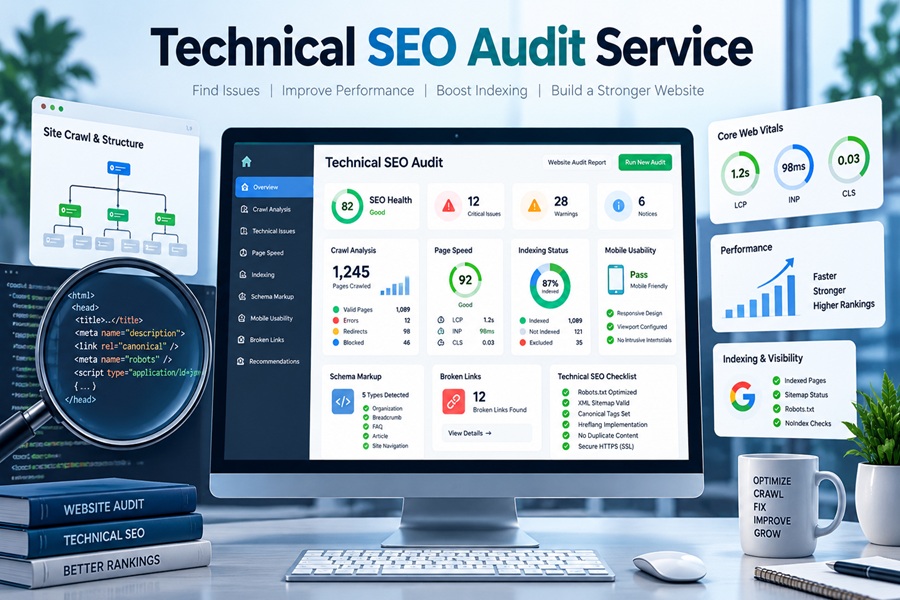
A technical SEO audit is not a 300 row export from a crawler with every warning colored red. That export is raw material. The actual service is the judgment layered on top of it: which of those issues is stopping pages that deserve to rank from ranking, in what order they should be fixed, and who on your team should fix them.
Put simply, a technical SEO audit service examines how search engines and AI crawlers discover, render, index and evaluate your website, then delivers a prioritized plan to remove whatever is holding good content back. The work covers crawlability, indexation, duplicate content, JavaScript rendering, page speed, structured data, internal linking, international setup where relevant, and now a newer layer: whether AI search systems can read your pages at all.
What follows is the engagement as it typically unfolds, stage by stage, so you know what to expect and what to demand.
Stage one: access before anything else
A serious auditor asks for access before running a single tool. At minimum that means Google Search Console, Google Analytics 4, and read access to your CMS. Better audits also request server log files, your CDN or hosting dashboard, and a list of recent site changes such as migrations, redesigns or plugin swaps.
Search Console is the most important of these. It shows what Google actually indexed, which pages it excluded and why, how often Googlebot crawls, and how real visitors experience your page speed. A provider who audits only from the outside, with a crawler and no Search Console data, is guessing at half the picture.
Log files are what separate a thorough audit from a standard one. They show every request Googlebot and other bots made, which reveals where crawl activity is being wasted on parameter URLs, old redirects or pages you never wanted crawled.
Stage two: the crawl, run like Google would run it
The auditor then crawls the site with a tool such as Screaming Frog, Sitebulb or a cloud crawler for large sites. Good practice is to run it twice: once as a plain HTML crawl and once with JavaScript rendering switched on. Comparing the two shows exactly which content and links only exist after scripts run.
That comparison matters more than it used to. Content that appears only after client side rendering is delayed for Google, which has to queue pages for rendering, and it is often invisible to AI retrieval crawlers, many of which execute little or no JavaScript. A product description loaded by a script might rank eventually on Google and never appear in an AI answer at all.
Stage three: working through the layers in order
Experienced auditors work in dependency order, because a problem upstream changes everything below it. There is no point tuning page speed on URLs that are blocked from indexing.
| Layer | What gets checked | Common serious findings |
|---|---|---|
| Crawlability | robots.txt, server responses, crawl paths, crawl budget | Accidental disallows, faceted navigation crawl traps, 5xx errors |
| Indexation | noindex tags, X-Robots-Tag headers, canonicals, sitemaps | Staging sites leaking into the index, canonicals pointing to wrong URLs |
| Duplication | Parameters, trailing slashes, HTTP vs HTTPS, near duplicate pages | Several versions of the same page splitting signals |
| Rendering | JavaScript dependency, blocked resources, rendered vs raw HTML | Links and copy that only exist after scripts run |
| Performance | Core Web Vitals field data, page weight, third party scripts | INP above 200 ms on templates with heavy scripts |
| Enhancements | Structured data, hreflang, internal links, breadcrumbs | Hreflang tags missing return links, orphan pages |
| AI access | Rules for AI crawlers, server rendered content, clean passages | AI crawlers blocked without anyone deciding to block them |
A small detail that good auditors never skip: comparing your current robots.txt against older versions. Silent changes to that one file, often made during a deploy, cause more sudden traffic drops than almost anything else.
Stage four: speed measured the way Google measures it
Lab tests from Lighthouse are useful for diagnosis, but Google uses field data from real Chrome users for its page experience signals. A proper audit reads the Core Web Vitals report in Search Console and checks templates against the current thresholds: Largest Contentful Paint under 2.5 seconds, Interaction to Next Paint under 200 milliseconds, and Cumulative Layout Shift under 0.1.
INP replaced First Input Delay as a Core Web Vital in March 2024, and it is the metric most sites still fail. It measures how quickly a page responds to every tap and click, not just the first one, so heavy tag managers, chat widgets and ad scripts are usual suspects. A useful audit names the specific scripts dragging each template down rather than simply reporting a score.
Stage five: the newer questions about AI search
Google’s I/O announcements in May pushed AI Mode further into the center of search, and Ahrefs data shows AI Overviews now cut clicks to the top result by roughly 58% when they appear. That makes AI visibility a standard part of technical work, not an optional extra.
An up to date audit asks a few direct questions. Does your robots.txt take a deliberate position on AI crawlers such as GPTBot, ClaudeBot, PerplexityBot and Google-Extended, or is it blocking or allowing them by accident? Is your key content served in the initial HTML? Are sections written so a single passage answers a single question cleanly? Google’s own guidance is that AI features use the same index and need no special markup, so a page must be indexable and eligible for a snippet before it can be cited anywhere.
The auditor may also mention llms.txt. Google has sent mixed signals on it, and it is not a ranking or AI Mode eligibility factor for Google, so treat it as low priority unless other AI platforms matter to your traffic.
Stage six: the report you should actually receive
The deliverable is where audit services differ most. A strong report has a short executive summary in plain language, explaining the three to five issues costing you the most and why. Below that sits a prioritized issue list where each finding includes:
- What the issue is and where it occurs, with example URLs
- Why it matters, in terms of traffic, indexing or revenue
- Severity, from critical to minor
- Estimated effort to fix
- Who should own the fix, whether developer, content team or marketer
- How to verify the fix worked
Many providers also include a walkthrough call with your developers, and the best ones offer a recheck a few weeks later to confirm fixes landed correctly. Ask for that before you sign.
Cost and timing
A standalone technical audit from a reputable agency commonly falls between $5,000 and $10,000, priced apart from any monthly retainer. Smaller sites with a few hundred pages can come in lower. Large ecommerce or publishing sites with millions of URLs, log analysis and international setups can run much higher. Freelance specialists often charge less than agencies for comparable depth, so experience matters more than company size.
Expect two to six weeks from access to final report, depending on site size. Anything promised in 48 hours is almost certainly an automated tool export with a logo on it.
When to book one
Certain moments make an audit far more valuable. Before and after a site migration or redesign is the classic case, since migrations break redirects, canonicals and internal links in ways nobody notices until traffic falls. After a sharp traffic drop is another, though if a Google core update is rolling out, wait at least a full week after Google marks it complete before diagnosing, as Google itself recommends. Sites that have grown by bolting on plugins, filters and subdomains for years also tend to hide serious crawl waste.
Judging the provider before you hire
Ask to see a sample report with client details removed. Ask how they handle JavaScript heavy sites and whether they analyze log files. Ask how they prioritize, and listen for an answer about dependency and business impact rather than tool scores. A technical SEO audit service earns its fee when your developers can open the report, understand each fix, and start working on the most important one the same afternoon.